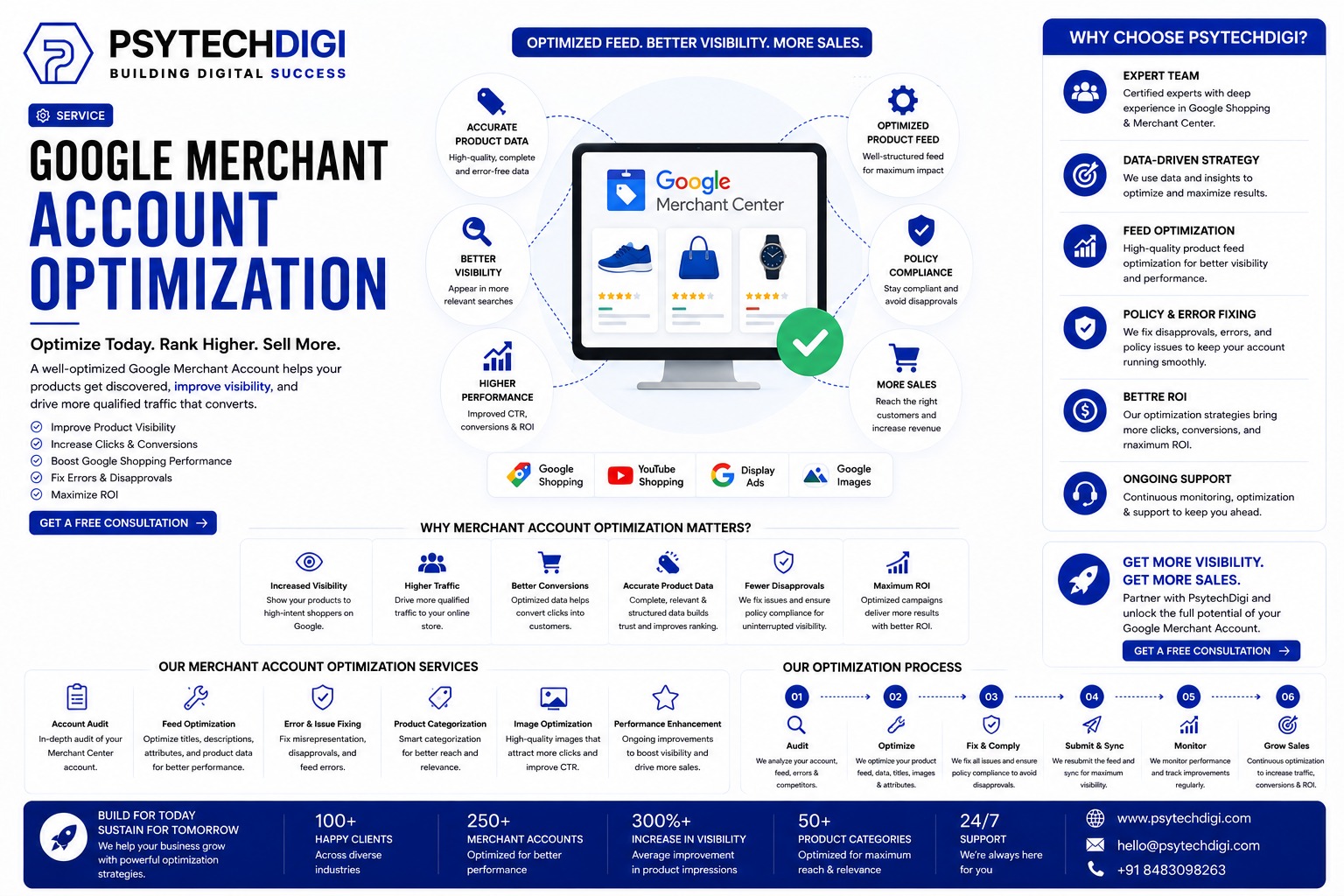
Google Merchant Account Optimization Services in India
Google Merchant Account Optimization is the single most important action an online retailer can take to grow sales on Google Shopping. When done correctly, it determines how often your products appear, which buyers see them, and how many of those buyers actually click and purchase. Done poorly—or not at all—your listings sit invisibly on Google while competitors take the traffic that should be yours.
Every day, millions of buyers search Google for products to purchase. The businesses that appear at the top of those results are not necessarily selling better products or spending more on ads. They are simply managing their Merchant Center accounts better. This guide breaks down what that means at every level, which mistakes to avoid, and how Psytech Digi Pvt Ltd delivers this service to help businesses in India and internationally turn Google Shopping into a reliable, scalable revenue channel.
What Is Google Merchant Account Optimization and Why Does It Matter?
How Google Merchant Center Works
Google Merchant Center is the platform where retailers submit their product catalog—titles, descriptions, prices, images, identifiers, and attributes—so Google can display them across Search, Shopping, Images, YouTube, and the Display Network. Every product card you see with a photo and price on Google originates from a Merchant Center feed.
Google reads that feed and uses it to decide which searches your products match, how relevant they are, and where they rank against competing listings. The quality of your feed data is the primary input the algorithm uses to make those decisions.
The Performance Gap Between Basic and Optimized Accounts
Businesses with fully optimized feeds see an average 34% increase in clicks, up to 451% improvement in ROAS, and a 20% boost in impressions from adding GTINs alone—according to Google’s own published research.
This gap exists because Google’s algorithm actively rewards accounts with rich, accurate, complete data and quietly deprioritizes those with thin, mismatched, or incomplete feeds. Two businesses selling identical products at the same price will get dramatically different results if one has invested in Google Merchant Account Optimization and the other has not.
The Five Pillars of a High-Performing Product Feed
1. Product Titles — Your Most Impactful Field
Why titles decide visibility
Google uses the product title as its primary signal for understanding what you sell and matching your listing to buyer searches. A weak title forces the algorithm to guess. A strong, structured title gives Google the precision it needs to show your product to exactly the right buyer.
2. Product Descriptions That Rank and Convert
Descriptions contribute to Google’s relevance scoring for free listings and appear in the Shopping interface where they influence buyer decisions. The most effective descriptions include secondary keywords naturally, answer the buyer’s key questions (What does it do? Who is it for? What makes it better?), and surface any differentiators—warranty, compatibility, certifications—not visible from the title alone. Write for the buyer first; Google now rewards genuinely helpful content over keyword-dense filler.
3. Images That Win the Visual Competition
The click decision is visual and instant
Buyers in Google Shopping make their click decision in milliseconds, and the image is the primary input. Google’s technical minimums are a floor — the performance benchmark is considerably higher.
- Minimum 800 x 800 pixels; 1000 x 1000 or higher recommended
- Clean white or neutral background for most product categories
- Lifestyle photography for apparel and home goods
- No text overlays, watermarks, or promotional graphics on the primary image
Upgrading from low-quality to professional images delivers 15 to 40 percent increases in click-through rate — often the largest single performance lift available without changing ad spend.
4. GTINs and Product Identifiers
A GTIN (Global Trade Item Number) is the barcode identifier on a product’s packaging — the EAN or UPC code. When correctly submitted in your feed, it tells Google precisely what you are selling, enabling more accurate query matching and access to additional competitive and review data. Adding GTINs to eligible products produces an average 20% increase in clicks. For any branded product where a GTIN exists, omitting it is a measurable, structural disadvantage against every competitor who includes it.
5. Categories and Attribute Completeness
Google’s product taxonomy contains over 6,000 categories. Selecting the most specific applicable category — not just the closest parent — significantly improves match quality. Completing every optional attribute (colour, size, gender, material, age group, condition) expands the searches your products can appear for, reduces suppression risk from missing required data, and enables buyer-side filtering that influences which listings get clicked.
3 Common Mistakes That Silently Hurt Your Google Merchant Account Optimization
Mistake 1 — Ignoring the Diagnostics Tab
Merchant Center’s Diagnostics section shows every product disapproval, feed error, and policy violation in real time. Most businesses set up their account and never check it again. Products accumulate disapprovals silently, Shopping performance drops gradually, and the cause remains invisible until the damage is significant. A weekly Diagnostics review is the baseline minimum to keep an account healthy.
Mistake 2 — Price and Availability Mismatches
Google crawls your product landing pages regularly and cross-references the data against your feed. When prices or stock status differs—even briefly during a sale or a delayed feed update—Google flags the mismatch and disapproves the affected products. Repeated violations can escalate to account suspension. Automated real-time feed synchronization is the permanent fix, not manual updates on a weekly schedule.
Mistake 3 — Treating Optimization as a One-Time Task
An account that was well-optimized at launch will show declining relative performance six to twelve months later if nothing has been maintained since. Google’s policies evolve. Competitors improve their feeds. Seasonal patterns shift. Proper Google Merchant Account Optimization is an ongoing practice, not a completed project.
How Psytech Digi Pvt. Ltd. Delivers Google Merchant Account Optimization
Who We Are
Psytech Digi Pvt Ltd is a Pune-based digital marketing and software development agency with clients across India, the United Kingdom, Australia, and Indonesia. We combine technical feed management expertise with performance marketing understanding — the two capabilities effective Google Merchant Account Optimization requires in equal measure. Our team has managed Merchant Center accounts across diverse product categories and business sizes, bringing real-account experience to every engagement.
Our Four-Step Optimization Process
Step 1 — Full Account Audit
Step 2 — Feed Rebuild and Content Rewriting
Step 3 — Automation and Advanced Feature Setup
Step 4 — Ongoing Monitoring and Monthly Reporting
Start Growing Your Google Shopping Revenue Today
The buyers are already searching for what you sell. Whether they find your products or your competitor’s depends almost entirely on the quality of your Google Merchant Account Optimization. Every missing GTIN, every vague title, every stale price in your feed is a sale handed to someone else.
Psytech Digi Pvt Ltd has the process, the expertise, and the track record to close that gap—with a structured approach that produces measurable results from the first month and compounds over time. Whether you are building a Google Shopping presence from the ground up, recovering from account issues, or trying to improve ROAS on an existing account, we can help.
What is Google Merchant Account Optimization?
It is the process of improving your product feed, titles, images, GTINs, categories, and account health to increase Google Shopping visibility and sales.
Why does my Google Merchant Center account need optimization?
Optimization helps improve product visibility, reduce errors and disapprovals, and attract more relevant shoppers.
Can you fix Google Merchant Center product disapprovals?
Yes. We audit your account, identify policy and feed issues, and implement the necessary fixes to improve account health.
How often should a Merchant Center account be optimized?
Optimization should be ongoing because product data, Google policies, competitors, and market trends constantly change.
How can Psytech Digi help my e-commerce business?
Psytech Digi provides account audits, feed optimization, content improvements, automation, monitoring, and monthly reporting to help grow Google Shopping performance.